
Quick diagnosis
Empty the grounds container while the machine is on and ready if the official instructions require that state, remove it long enough to be detected, clear grounds behind the tray, and reinstall it fully. Emptying it while the machine is off may not reset the counter.
What this symptom usually means
A message that remains after the tank, tray, grounds bin, or brew group is corrected usually means the machine has not seen the expected remove-and-reinsert sequence, a float is stuck, or a contact area is dirty.
Model-specific context: The grounds bin and drip tray often slide out together. Both must sit fully against their stops for the machine to register them.
Clues to record before touching the machine
The fastest diagnosis comes from recording the machine's state before it is changed. Use your phone for a short video and write down whether the symptom occurs at startup, while heating, during grinding, after the pump starts, or during shutdown.
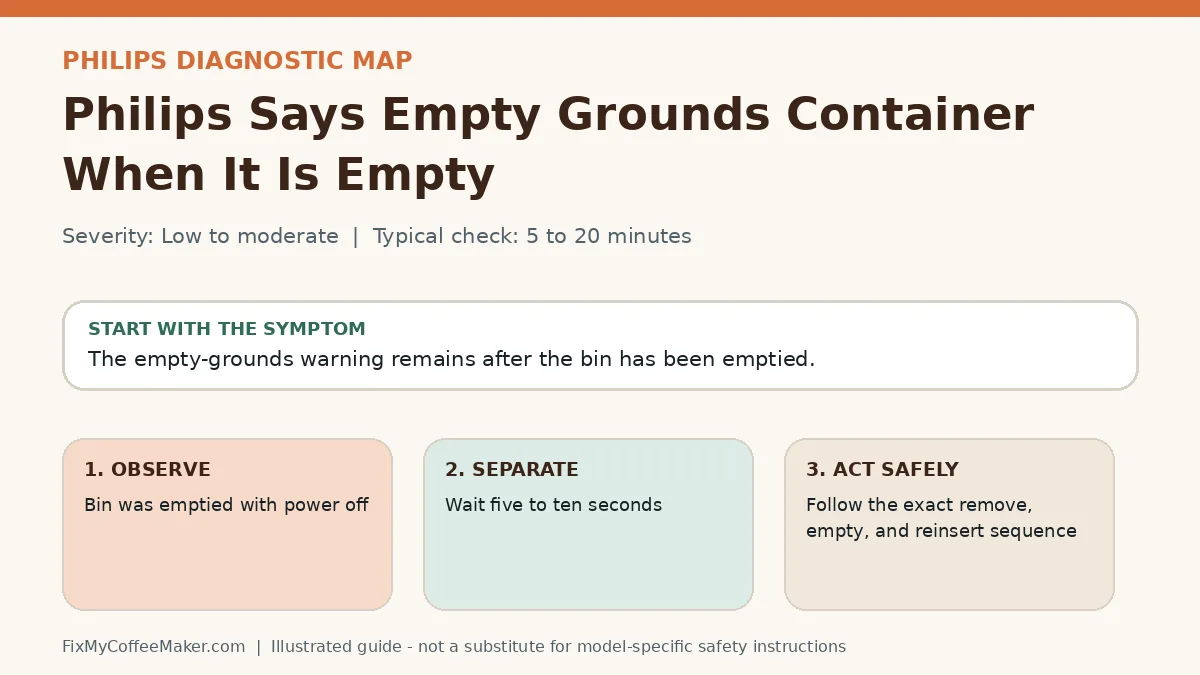
- Bin was emptied with power off
- Grounds are packed behind the tray
- Message changes when tray is pressed inward
- Remove the named part while the machine is on if the manual allows
- Wait five to ten seconds
Most likely causes, in diagnostic order
The list below is ordered from common and externally testable conditions toward causes that may need qualified service. It is not a replacement for the error table or safety instructions for your exact model.
- Removal was not detected
- Tray is not fully seated
- Grounds block the sensor or track
- Float or magnet is stuck
- Container was emptied without being removed long enough
- Contact or optical area is dirty
- A part is not fully seated
Owner-level observations and checks
Do not begin by replacing parts or repeating the full maintenance cycle. Complete these checks in order and stop if the machine behaves abnormally.
- Remove the named part while the machine is on if the manual allows
- Wait five to ten seconds
- Clean and dry contact areas
- Reinsert until it sits flush
Illustrated video walkthrough
Original 8-second silent, captioned diagnostic animation. It is an illustrated decision guide, not footage of this exact machine.
Safe fixes, easiest first
- Follow the exact remove, empty, and reinsert sequence
- Free a removable float with gentle rinsing
- Dry moisture near contacts
- Check for grounds behind the tray or bin
- Restart once after reassembly
- Arrange service if the message never changes
How to interpret what happens next
Message clears after delayed reinsertion: detection timing caused it
Message changes when the part moves: seating or contact is involved
Message remains with a known-good part position: sensor service may be needed
Intermittent message during operation: debris or alignment is likely
Common misdiagnosis
Simply emptying a bin in place may not reset a counter. Many machines must detect that the container was physically removed.
When to stop troubleshooting
Owner-level checks end when the next step would expose wiring, a heater, pressurized plumbing, sharp internal parts, or a sealed grinder. Stop and contact the manufacturer or a qualified appliance technician when any of these apply:
- A moving brew group is blocked
- A part requires force
- Liquid is near electronics
- The machine grinds or moves unexpectedly with a door open
Prevent the problem from returning
- Empty and clean containers before they overfill
- Keep tracks and contact areas dry
- Do not slam trays or service doors
Sources and verification
This page paraphrases owner-level manufacturer guidance and adds an original symptom-first decision path. It does not reproduce a manual. Exact button sequences should always be checked against the model label and current official instructions.
- Philips Series 3200 support - official manufacturer information used to verify model terminology and owner-level procedures.
Editorial status: desk-researched against official support material; diagnostic media are original illustrations. We do not claim hands-on testing of this exact machine. See our evidence labels and report a correction.