
Quick diagnosis
On a VertuoPlus, a split red/yellow or red/green appearance is commonly interpreted as a descale alert. Lighting and display angle can distort the color, so confirm it is a split steady indication rather than a red flashing fault.
What this symptom usually means
A maintenance light usually means the machine has reached a programmed counter, not that a sensor has measured scale directly. The light may remain on when the wrong cycle was run, a step was skipped, or the cycle was interrupted.
Model-specific context: VertuoPlus uses a motorized head and a ring light. Do not apply guidance for the single-button Vertuo Next without checking the official assistance page.
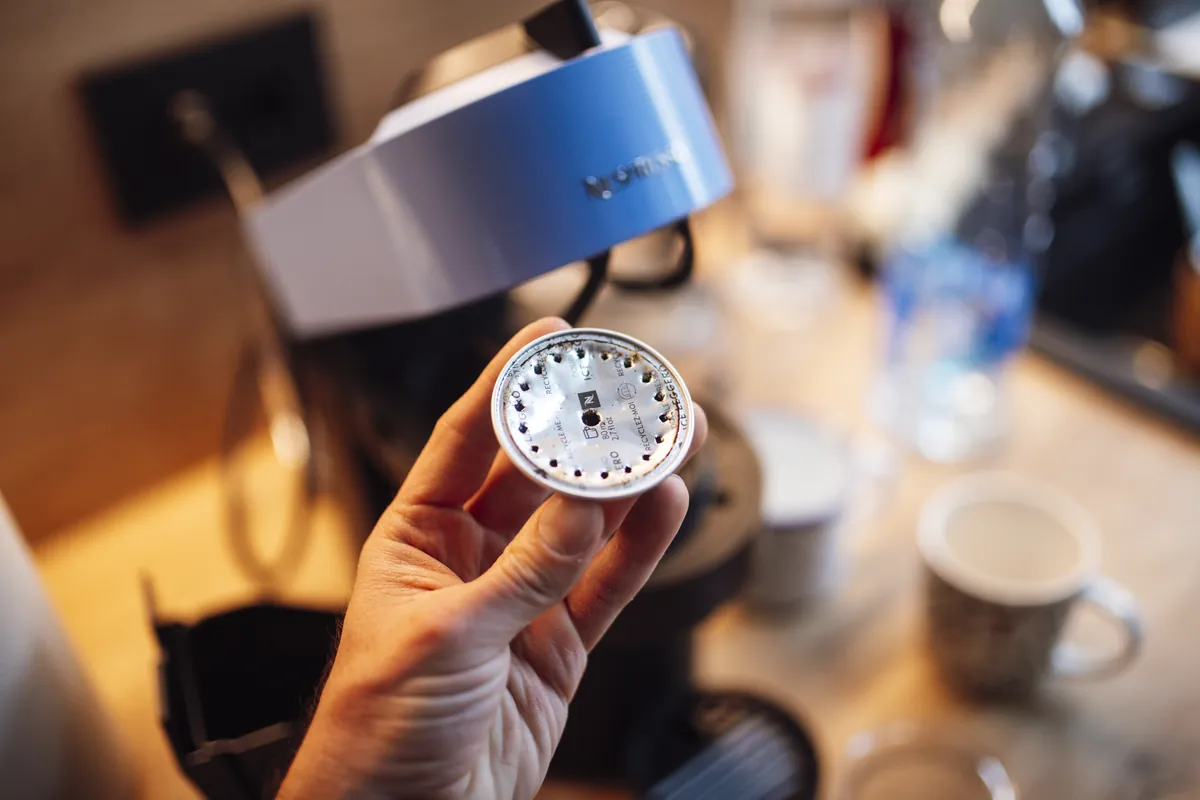
Clues to record before touching the machine
The fastest diagnosis comes from recording the machine's state before it is changed. Use your phone for a short video and write down whether the symptom occurs at startup, while heating, during grinding, after the pump starts, or during shutdown.
- Light is steady and split into two colors
- Machine can still brew
- Descaling has not been done recently
- Photograph the light pattern before touching any buttons
- Confirm whether the machine says CLEAN, DESCALE, CALC, or uses a shared light
Most likely causes, in diagnostic order
The list below is ordered from common and externally testable conditions toward causes that may need qualified service. It is not a replacement for the error table or safety instructions for your exact model.
- Descale counter has reached its reminder point
- Previous descale cycle did not exit correctly
- The cleaning or descaling counter has reached its threshold
- A rinse phase was stopped early
- The correct button sequence was not held long enough
- The machine lost power before saving completion
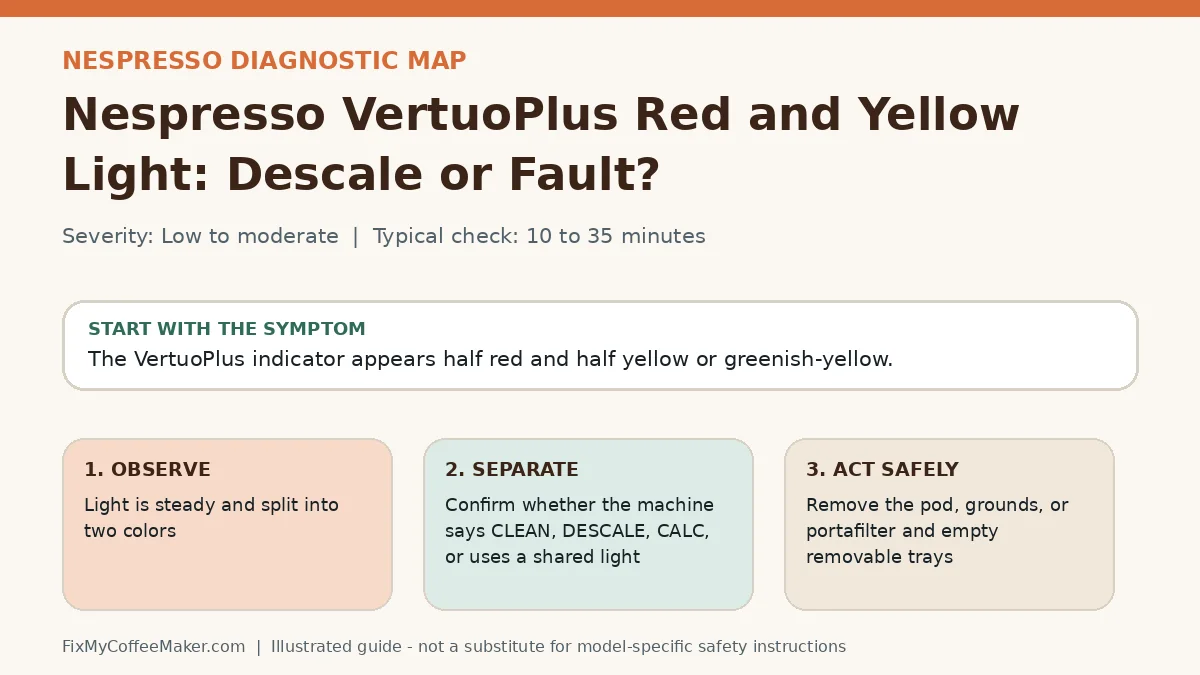
Owner-level observations and checks
Do not begin by replacing parts or repeating the full maintenance cycle. Complete these checks in order and stop if the machine behaves abnormally.
- Photograph the light pattern before touching any buttons
- Confirm whether the machine says CLEAN, DESCALE, CALC, or uses a shared light
- Run a water-only rinse and note whether the light changes
- Compare the exact model number with the official cycle instructions
Illustrated video walkthrough
Original 8-second silent, captioned diagnostic animation. It is an illustrated decision guide, not footage of this exact machine.
Safe fixes, easiest first
- Remove the pod, grounds, or portafilter and empty removable trays
- Fill the tank to the mark specified for the maintenance cycle
- Start the model-specific cleaning or descale program rather than a normal brew
- Let every pause finish; some cycles appear inactive for several minutes
- Complete all rinse phases with fresh water
- Power-cycle only after the machine reports completion
How to interpret what happens next
Light clears after the final rinse: the cycle completed correctly
Light returns immediately: the counter probably was not reset by the proper program
Machine stops before rinsing: check tank seating and water flow before repeating
No response to the official sequence: document the pattern and contact support
Common misdiagnosis
Repeatedly adding stronger descaler rarely fixes a counter that was never reset. It can also leave residue or damage finishes if the product is not approved.
When to stop troubleshooting
Owner-level checks end when the next step would expose wiring, a heater, pressurized plumbing, sharp internal parts, or a sealed grinder. Stop and contact the manufacturer or a qualified appliance technician when any of these apply:
- There is a burning smell, smoke, or unusual heat
- Water enters the electrical base
- The pump runs dry for more than a few seconds
- The official cycle repeatedly aborts at the same point
Prevent the problem from returning
- Log the date and product used after every cycle
- Use water hardness settings when the machine provides them
- Do not unplug the machine during an automated program
Sources and verification
This page paraphrases owner-level manufacturer guidance and adds an original symptom-first decision path. It does not reproduce a manual. Exact button sequences should always be checked against the model label and current official instructions.
- Nespresso machine assistance - official manufacturer information used to verify model terminology and owner-level procedures.
Editorial status: desk-researched against official support material; diagnostic media are original illustrations. We do not claim hands-on testing of this exact machine. See our evidence labels and report a correction.