
Start here
A flashing cleaning indicator on a matching BES870 directs you to the cleaning-cycle instructions. Identify the indicator label and revision before deciding that it needs descaling. A normal water rinse and the complete maintenance cycle are not equivalent.
Which observation matches?
Choose the closest observation. The complete decision list remains below.
The cleaning indicator flashes
Use the matching cleaning-cycle section and its cleaning disc/tablet instructions.
The combined CLEAN/DESCALE indicator is steady
Use the separate solid-light guide and verify the descaling instructions for your revision.
You ran water through the group head only
A purge is not the complete cleaning program. Check which operation was actually completed.
The light returned despite completing the documented program
Record the model, products used and final light state. Contact support before repeated chemical cycles.
Safe checks, in order
- Photograph the indicator and the complete model label before changing the state.
- Locate the cleaning-cycle section of the BES870 manual and gather only its specified accessories.
- Perform that procedure from its required starting state; place the cleaning product where the manual specifies, not by guesswork.
- Complete the rinse and reassembly steps, then observe the ready state. Write down the outcome and date in a maintenance log.
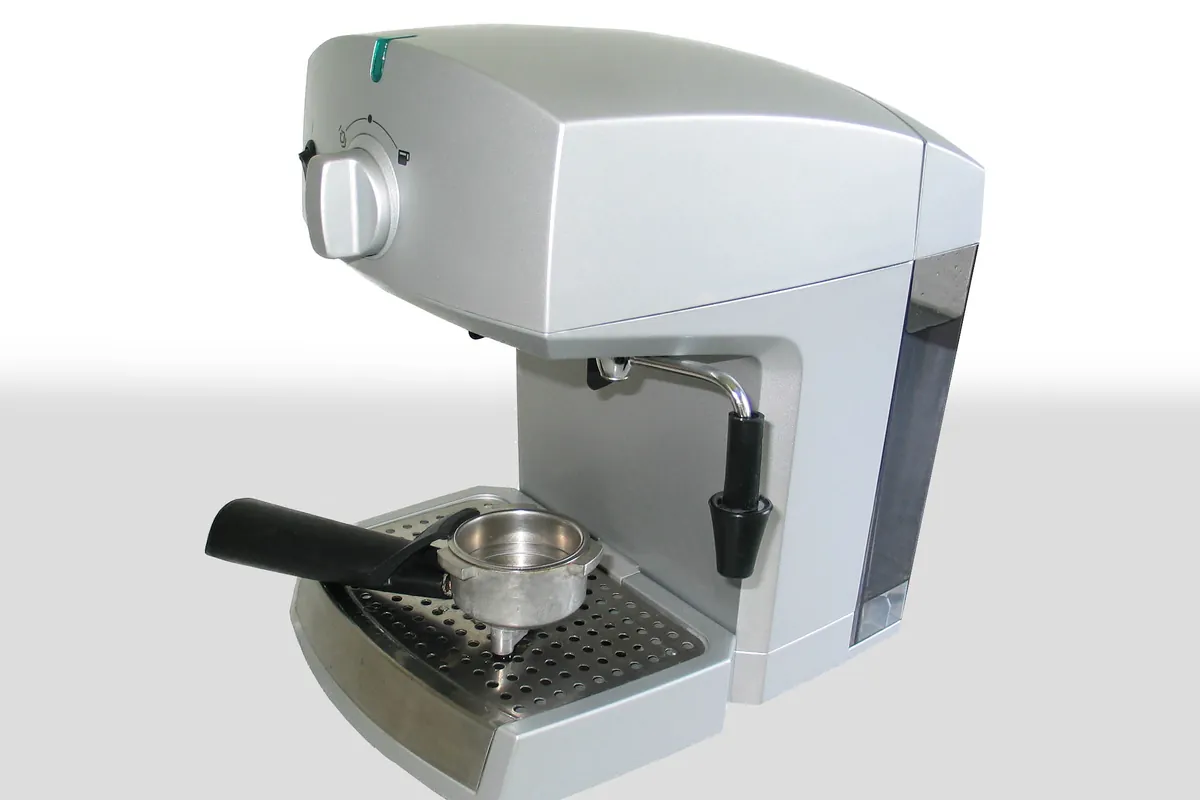
Check the kind of work performed
Cleaning addresses a different part of maintenance from mineral removal. A bottle labeled descaler is not interchangeable with a cleaning tablet. If the wrong process was run, repeating it more times does not make it the right process.
Keep the diagnosis narrow
A maintenance light does not by itself prove that the machine has failed or that a pump, valve or sensor must be purchased. If the machine also has no flow or leaks, resolve that safety problem separately before running a maintenance program.
Breville official video: cleaning the portafilter and filter basket
Watch on the manufacturer's page and choose the matching model/revision. This is not a video of our own testing. No third-party player loads here automatically.
Open official video pageStop and obtain help when
Stop if the procedure produces abnormal pressure, no flow, leaking or an electrical smell. Do not use hidden service commands to suppress an indicator.
Questions this diagnosis does not skip
Does unplugging remove the need to clean?
No. A changed display would not demonstrate that the relevant surfaces were cleaned.
Why not publish one universal button shortcut?
The correct starting state, controls and process vary by model and revision. The linked manual is the authority for the sequence.
References and evidence
- Breville Barista Express BES870 instruction book, X26Check the exact BES870 regional revision; not the Express Impress.
- Breville official video: cleaning the portafilter and filter basketOfficial model-specific tutorial, not a repair demonstration produced by this website.
Manufacturer facts and procedures are referenced above; the observation comparisons are our diagnostic synthesis, not proof of a failed component. Photos are illustrative, not evidence of hands-on testing. Editorial standards | Report a correction.