
Quick diagnosis
Unplug the brewer, let it cool fully, test the wall outlet, and inspect for a leak before trying one restart. A no-power condition after repeated low-water pumping can involve thermal protection; repeated outlet trips or heat requires service rather than more resets.
What this symptom usually means
A dead or self-shutting machine may be reacting to an outlet, auto-off timer, overheated protection, loose removable part, or internal electrical fault. Keep checks external; do not open the housing.
Model-specific context: Do not pour water into a brewer that may have leaked into its base. Keep all checks external.
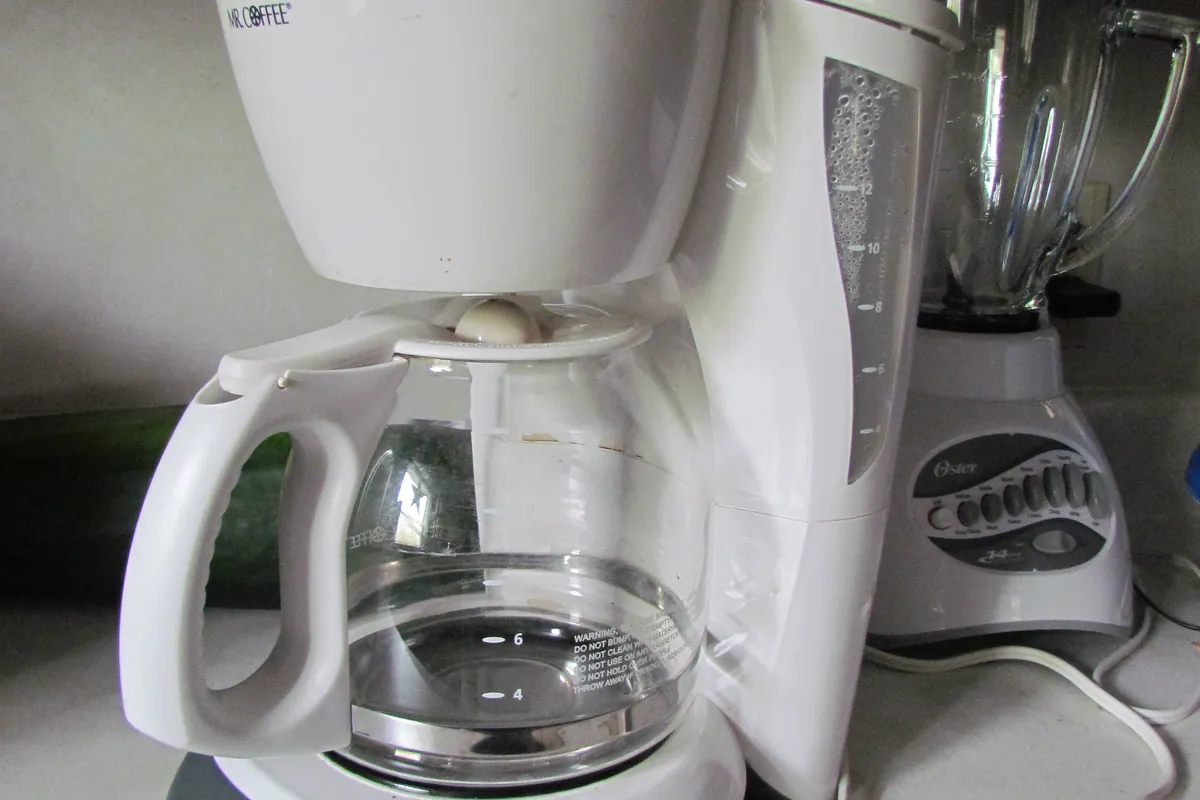
Clues to record before touching the machine
The fastest diagnosis comes from recording the machine's state before it is changed. Use your phone for a short video and write down whether the symptom occurs at startup, while heating, during grinding, after the pump starts, or during shutdown.
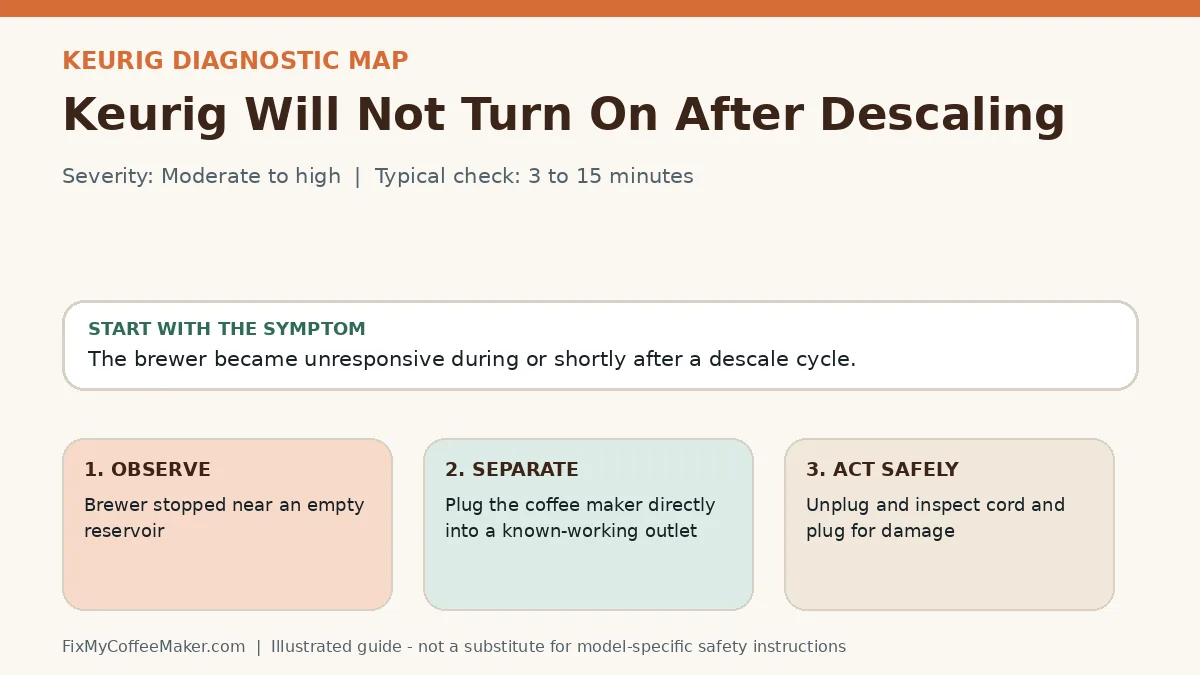
- Brewer stopped near an empty reservoir
- Base felt unusually warm
- GFCI tripped
- Test the outlet with another appliance
- Plug the coffee maker directly into a known-working outlet
Most likely causes, in diagnostic order
The list below is ordered from common and externally testable conditions toward causes that may need qualified service. It is not a replacement for the error table or safety instructions for your exact model.
- Thermal protection opened
- Liquid reached internal electrical parts
- Outlet issue coincided with the cycle
- Outlet or GFCI has tripped
- Auto-off setting is active
- Machine overheated and protection opened
- Internal power component has failed
Owner-level observations and checks
Do not begin by replacing parts or repeating the full maintenance cycle. Complete these checks in order and stop if the machine behaves abnormally.
- Test the outlet with another appliance
- Plug the coffee maker directly into a known-working outlet
- Let the machine cool unplugged for 30 minutes
- Check documented auto-off settings
Illustrated video walkthrough
Original 8-second silent, captioned diagnostic animation. It is an illustrated decision guide, not footage of this exact machine.
Safe fixes, easiest first
- Unplug and inspect cord and plug for damage
- Reset the kitchen GFCI once
- Use a direct wall outlet without an extension cord
- Allow a full cool-down
- Restart with tank and trays seated
- Stop if the outlet trips again
How to interpret what happens next
Works in another outlet: address the circuit or outlet
Restarts after cooling: overheating or blocked ventilation may be involved
Powers off at the same interval: review auto-off programming
Trips multiple outlets: discontinue use
Common misdiagnosis
Repeatedly resetting a breaker does not make an electrical fault safe. One repeat trip is enough reason to stop.
When to stop troubleshooting
Owner-level checks end when the next step would expose wiring, a heater, pressurized plumbing, sharp internal parts, or a sealed grinder. Stop and contact the manufacturer or a qualified appliance technician when any of these apply:
- Cord or plug is hot or damaged
- Outlet or GFCI trips again
- Smoke, sparks, or burning odor
- Liquid entered the base
Prevent the problem from returning
- Keep vents clear
- Do not use undersized extension cords
- Unplug before cleaning around the base
Sources and verification
This page paraphrases owner-level manufacturer guidance and adds an original symptom-first decision path. It does not reproduce a manual. Exact button sequences should always be checked against the model label and current official instructions.
- Keurig support - official manufacturer information used to verify model terminology and owner-level procedures.
- Keurig descaling support - official manufacturer information used to verify model terminology and owner-level procedures.
Editorial status: desk-researched against official support material; diagnostic media are original illustrations. We do not claim hands-on testing of this exact machine. See our evidence labels and report a correction.